
Gamepass Gifting Kit
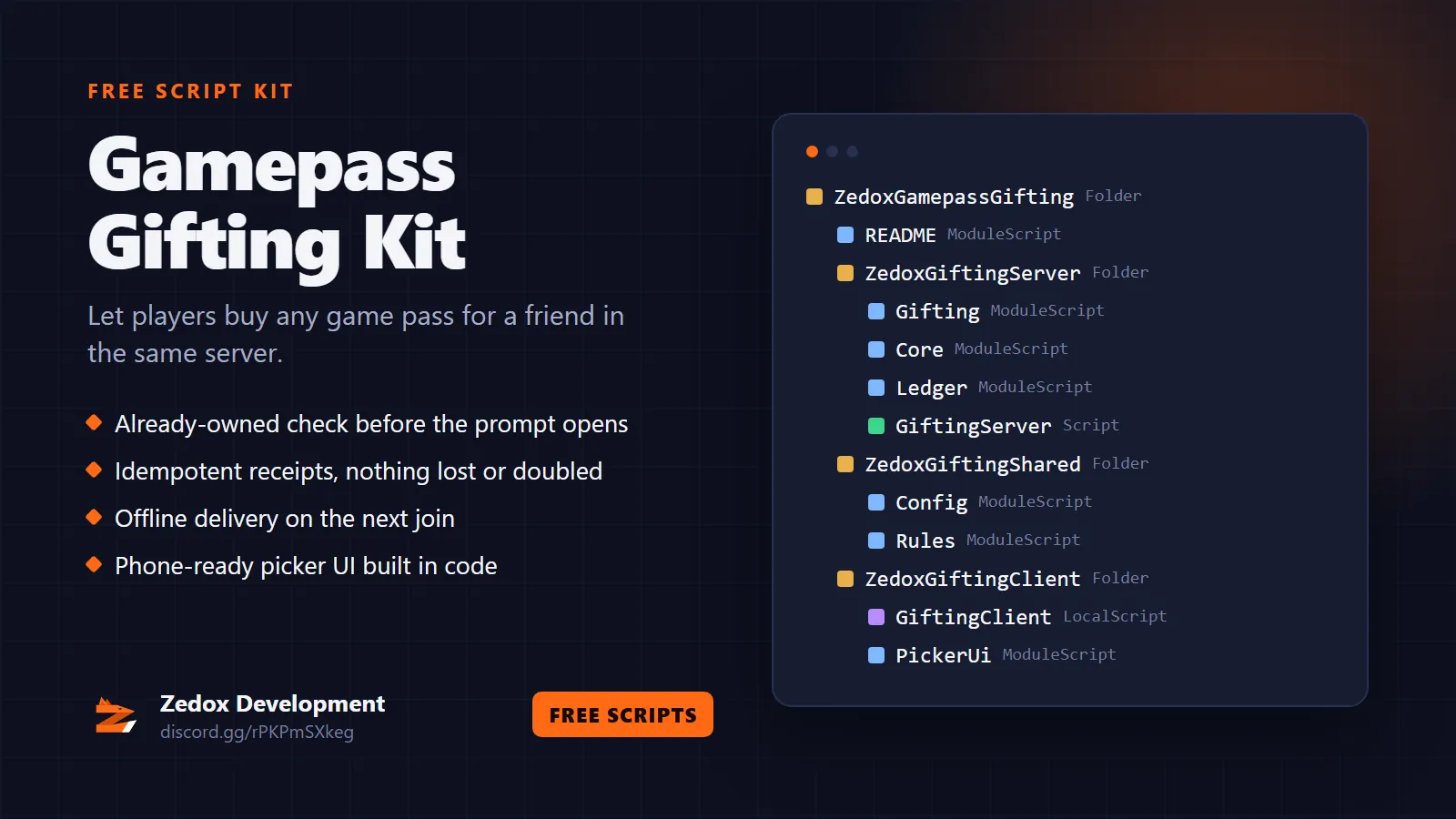
Let players buy a game pass for a friend in the same server, with an already-owned check, safe receipts and a clean picker UI.
 1 / 3
What it does
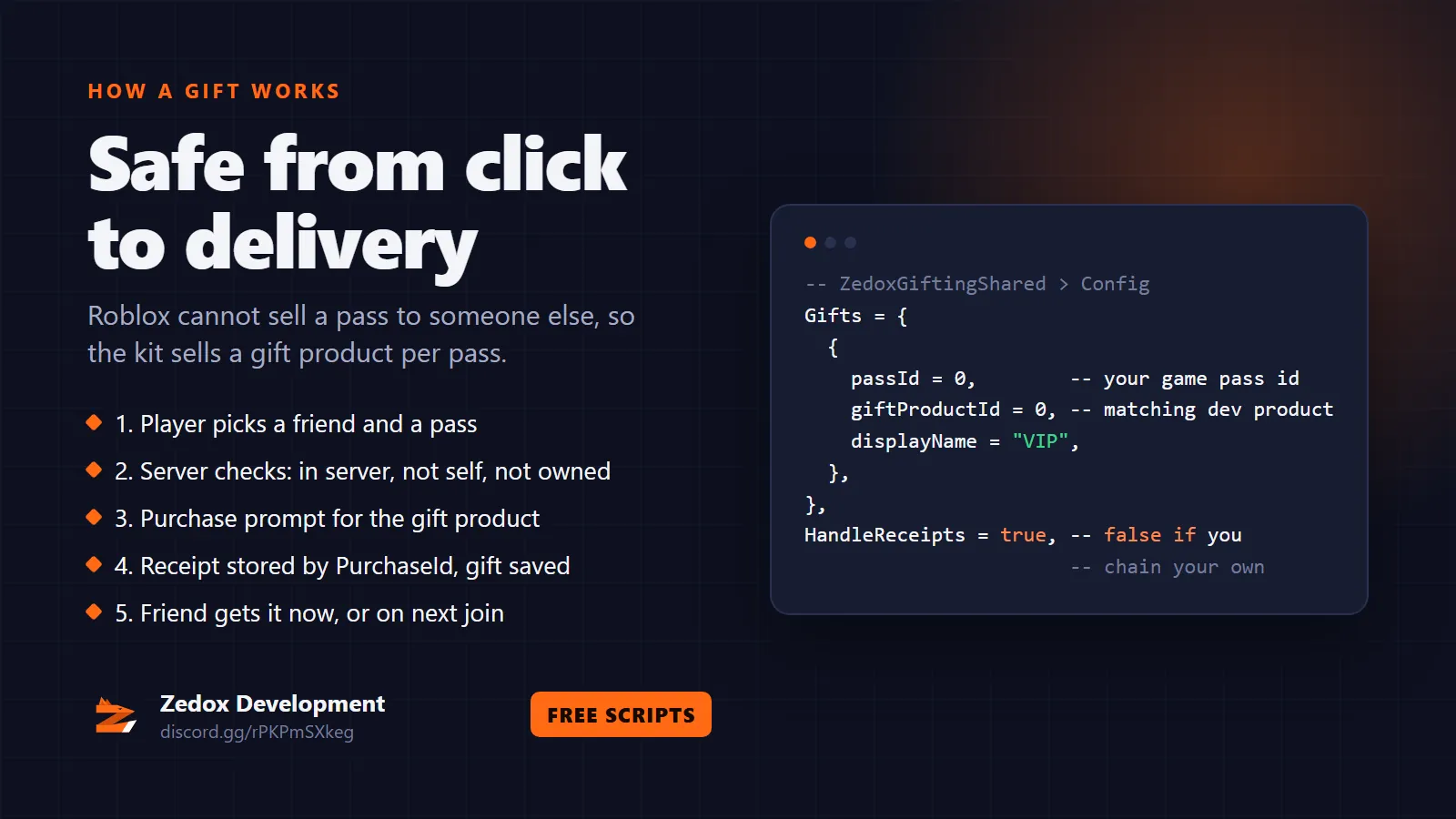
Roblox cannot sell a game pass to someone else, so this kit sells a Developer Product as a gift token and records the gift for the recipient on the server. The buyer opens a small picker, chooses a player in the server and presses Gift. Before any purchase prompt opens, the server checks that the recipient is in the server, is not the buyer, does not already own the pass and was not already gifted it. If they do, the buyer sees a clear reason and is never charged.
Receipts are safe. Each PurchaseId is stored so a repeated receipt never grants twice, a DataStore failure answers NotProcessedYet so Roblox retries, and a gift for a player who left the server is stored and delivered the next time they join. The kit works next to your own ProcessReceipt: call Gifting.HandleReceipt(receiptInfo), which returns a decision for gift products and nil for everything else. Or leave Config.HandleReceipts on and it installs a default hook for you.
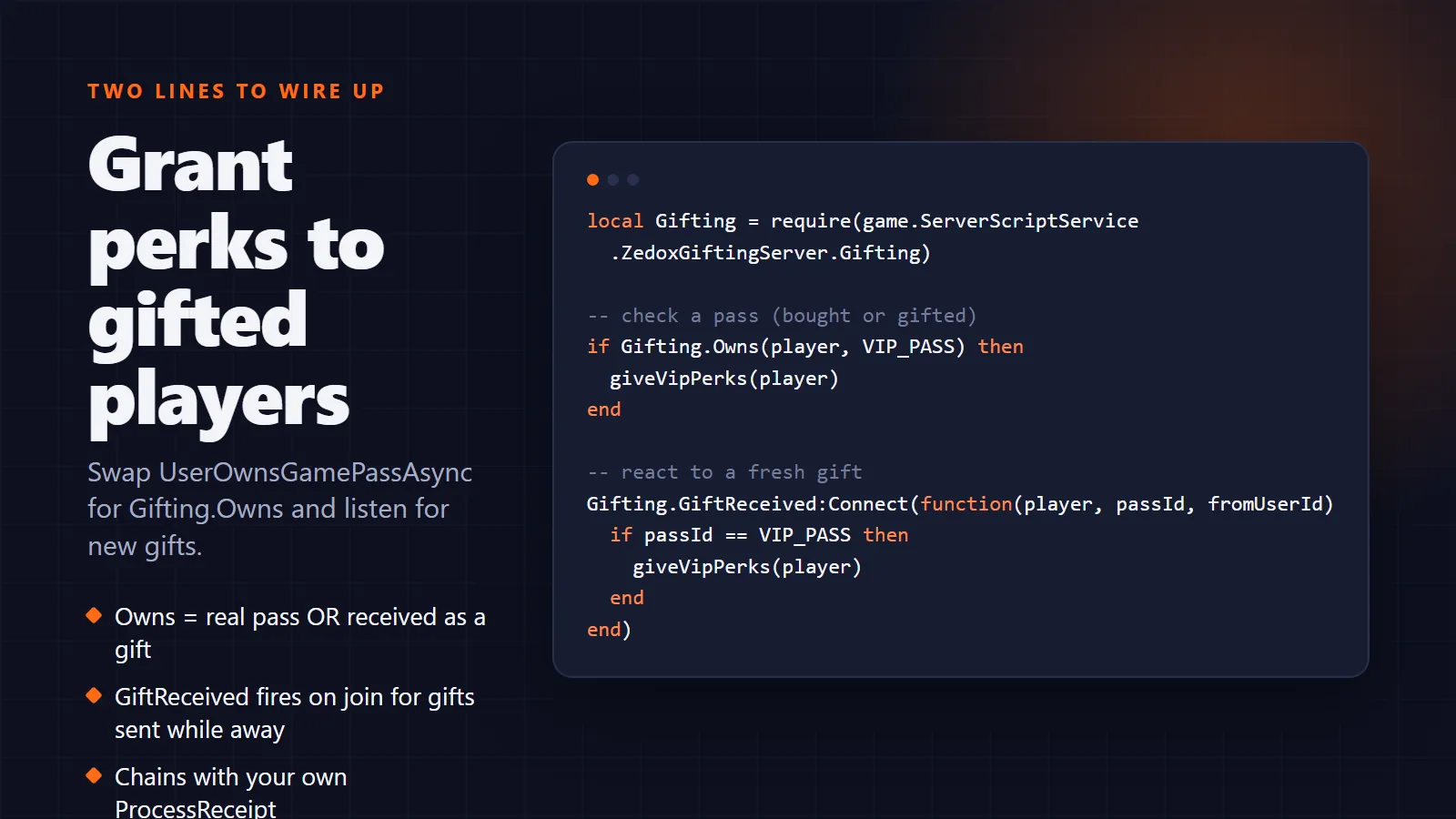
Your game uses two things: Gifting.Owns(player, passId), which is true for the real pass or a gifted one, and the Gifting.GiftReceived signal to hand out perks. The client is server-authoritative (the client only asks, every argument is validated and rate limited), has no audio or asset ids, and the picker is built in code with a neutral dark style that scales down on phones.
Setup
- Create one Developer Product per pass you want giftable, priced like the pass.
- Fill in passId, giftProductId and displayName per gift in
ZedoxGiftingShared> Config. - Move
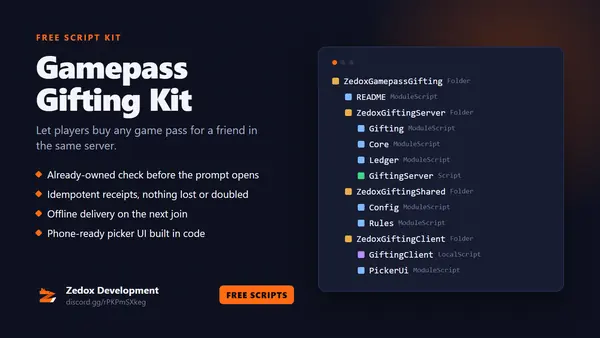
ZedoxGiftingServertoServerScriptService,ZedoxGiftingSharedtoReplicatedStorageandZedoxGiftingClienttoStarterPlayerScripts. - Use
Gifting.Ownswhere you check the pass, and read the README module for the receipt chaining example.
What is included
- Config module with a comment per field
- Server gifting system with DataStore ledger, idempotent receipts and pending gifts
Gifting.Owns,Gifting.WasGifted,Gifting.GiftReceivedandGifting.HandleReceiptAPI- Client gift picker with already-owns state and toast messages
- README module with setup guide and API example
- 54 Lune specs for the logic (source tree, not in the model file)
Marketplace
Browse the marketplaceMore from Zedox Development
 Zedox Development