Safe Save: Player Data Module
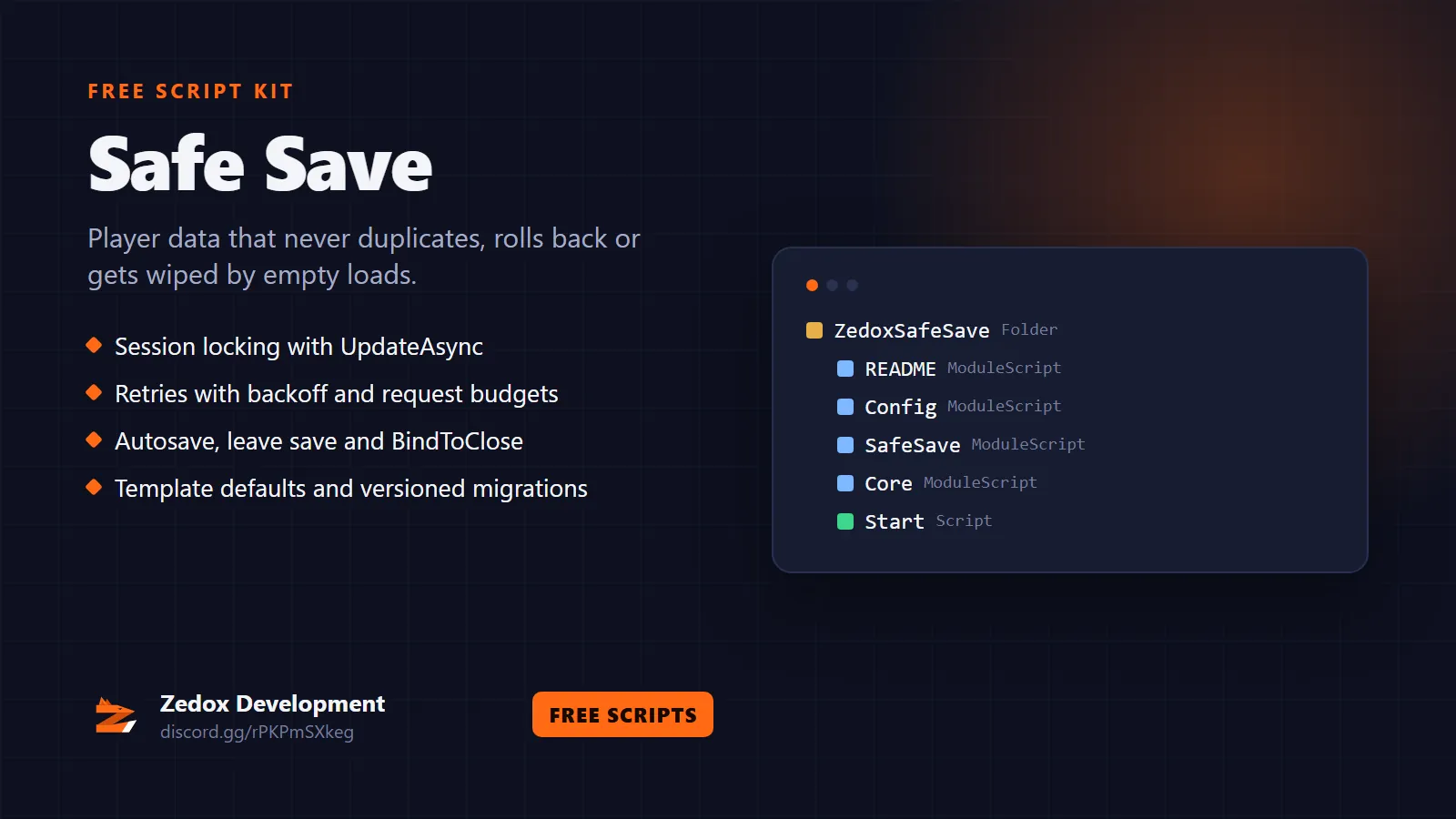
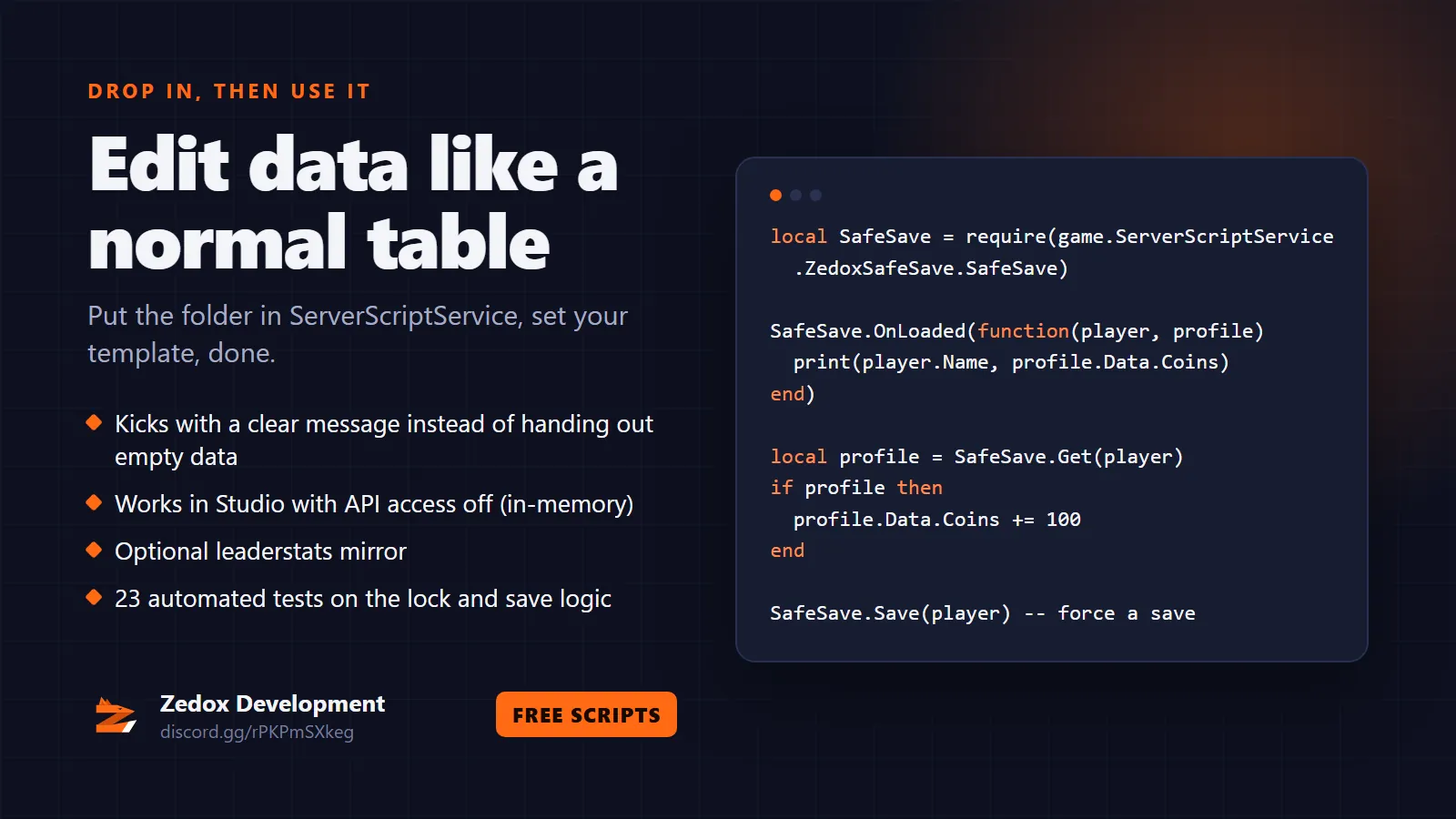
Drop-in player data with session locking, retries, autosave, leaderstats and a clean shutdown save.
 1 / 2
What it does
Safe Save loads and saves player data without the usual disasters. A session lock stored with the data makes sure only one server edits a player at a time, so server hopping cannot duplicate items or roll data back. A lock left behind by a crashed server expires after a time you set, and the next server takes over.
Failed DataStore calls are retried with exponential backoff and the script waits for the request budget instead of burning it. If a profile cannot be loaded safely, the player is kicked with a friendly message instead of receiving empty data that would later overwrite their real save. Data saved by a newer version of your game is never overwritten by an older one.
You define a Template (default data) and a list of versioned Migrations in one Config file. Missing keys are filled in for existing players automatically, and the data version is stored with every save. Your scripts just edit profile.Data, a normal table. Players are saved on an autosave timer, when they leave, and on server shutdown inside the 30 second window.
Setup
- Put the
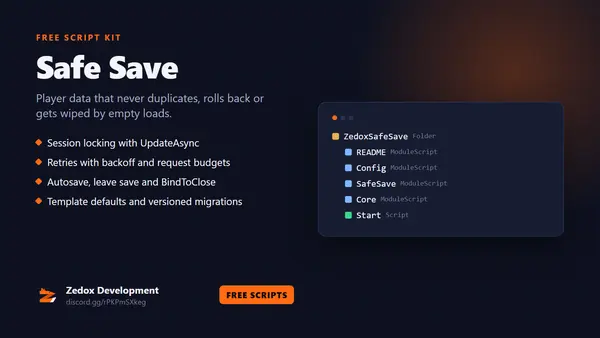
ZedoxSafeSavefolder inServerScriptService. - Open Config and set Template to the default data of a new player.
- Optional: list keys in Leaderstats to show them on the leaderboard.
- In your server scripts, require SafeSave and use
SafeSave.Get(player).Data. - In Studio, enable API access to test real saves. With it off, Safe Save runs in memory and prints one warning.
Everything is server side, there are no remotes, and no assets or external code are used. The pure logic is covered by Lune specs (lock acquire and refuse, stale takeover, template fill, migration order, retry then fail, release on leave).
What is included
- SafeSave module: Load, Get, Save, OnLoaded, RefreshLeaderstats
- Core module: session lock, retries and migrations (no Roblox services, unit tested)
- Config module with comments for every field
- Start script that starts everything automatically
- README module with the setup guide and API example
Marketplace
Browse the marketplaceMore from Zedox Development
 Zedox Development