Zedox Low-Poly Park Pack
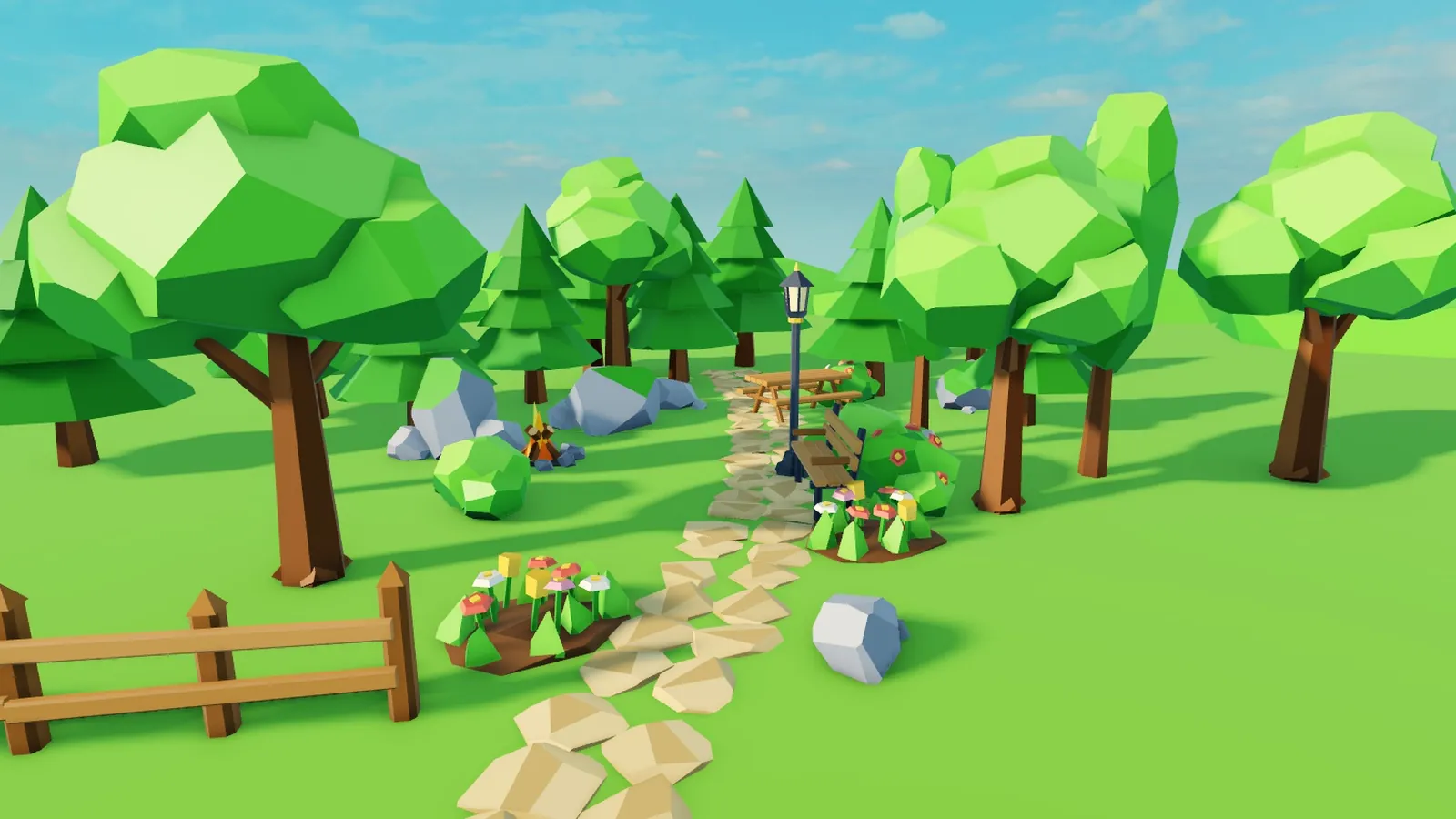
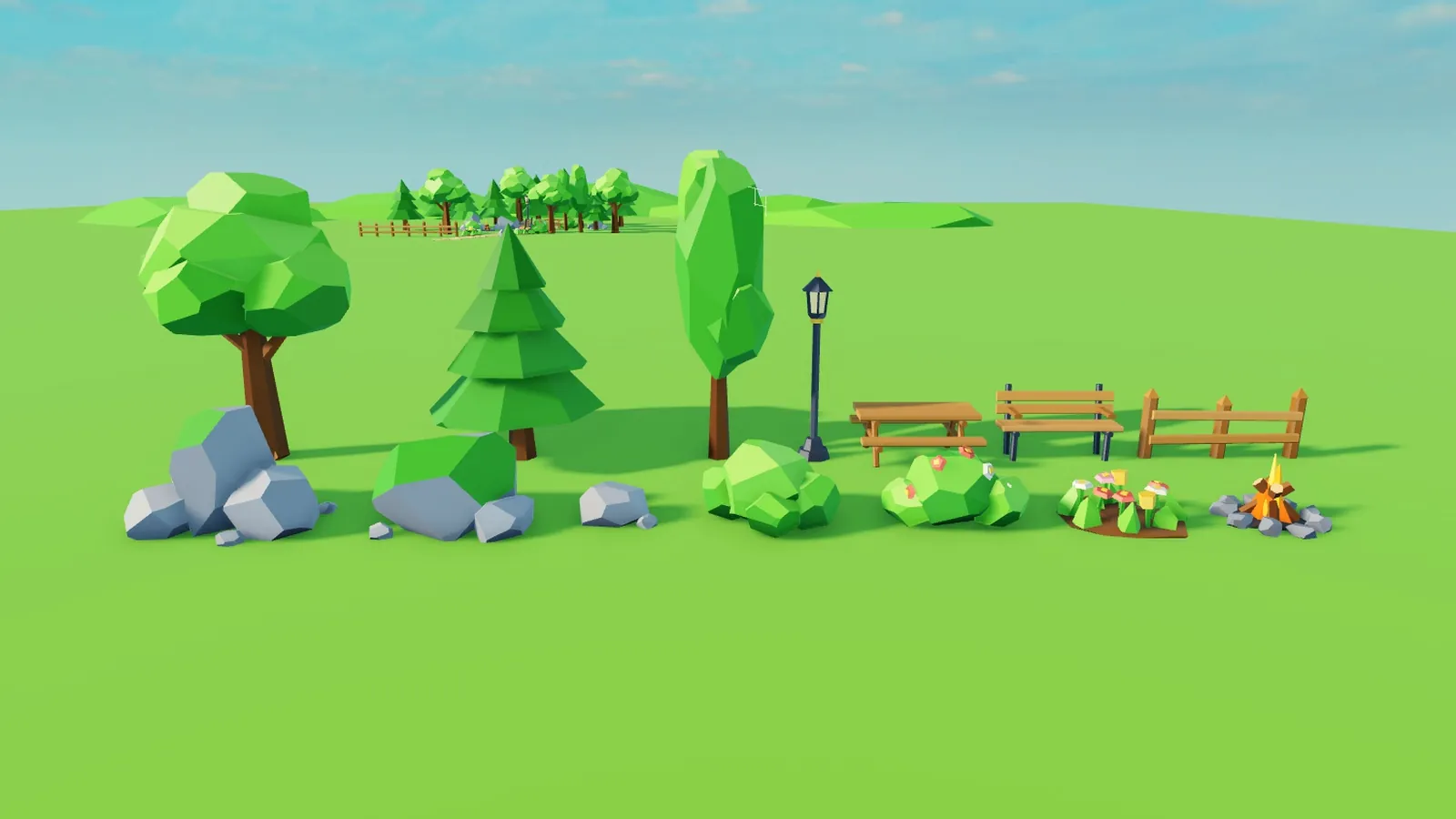
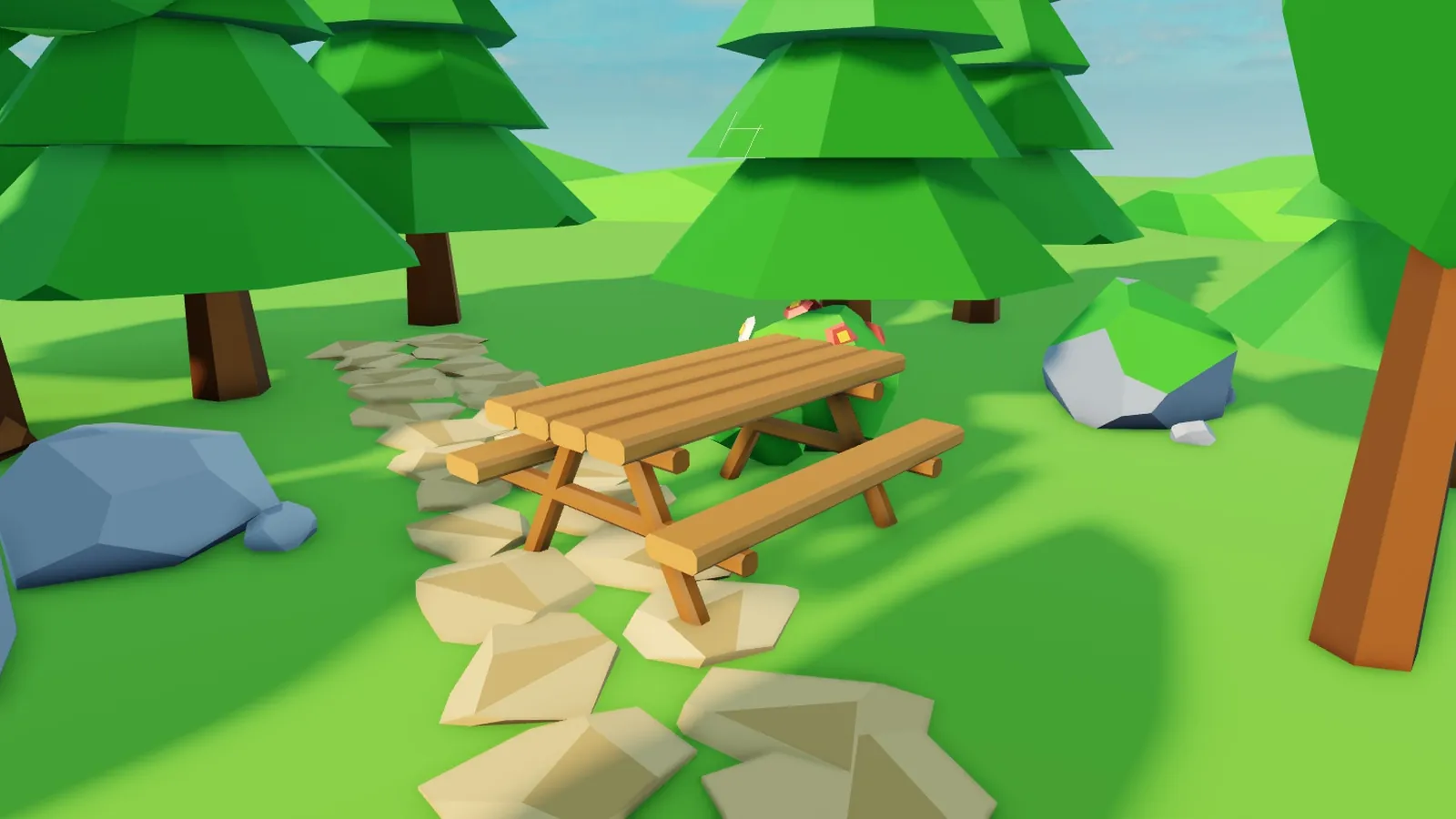
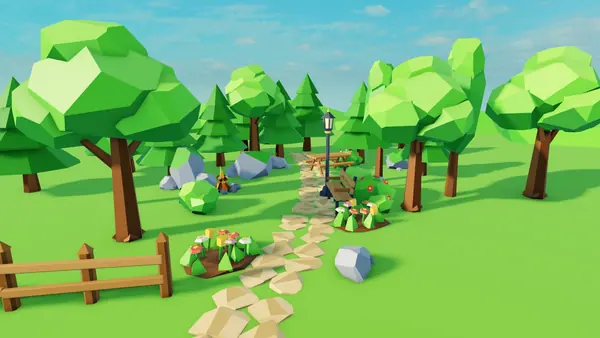
14 faceted low-poly park props: trees, rocks, bushes, flowers, fence, bench, lamp post, picnic table and campfire. Drag and drop.
 1 / 6
What it does
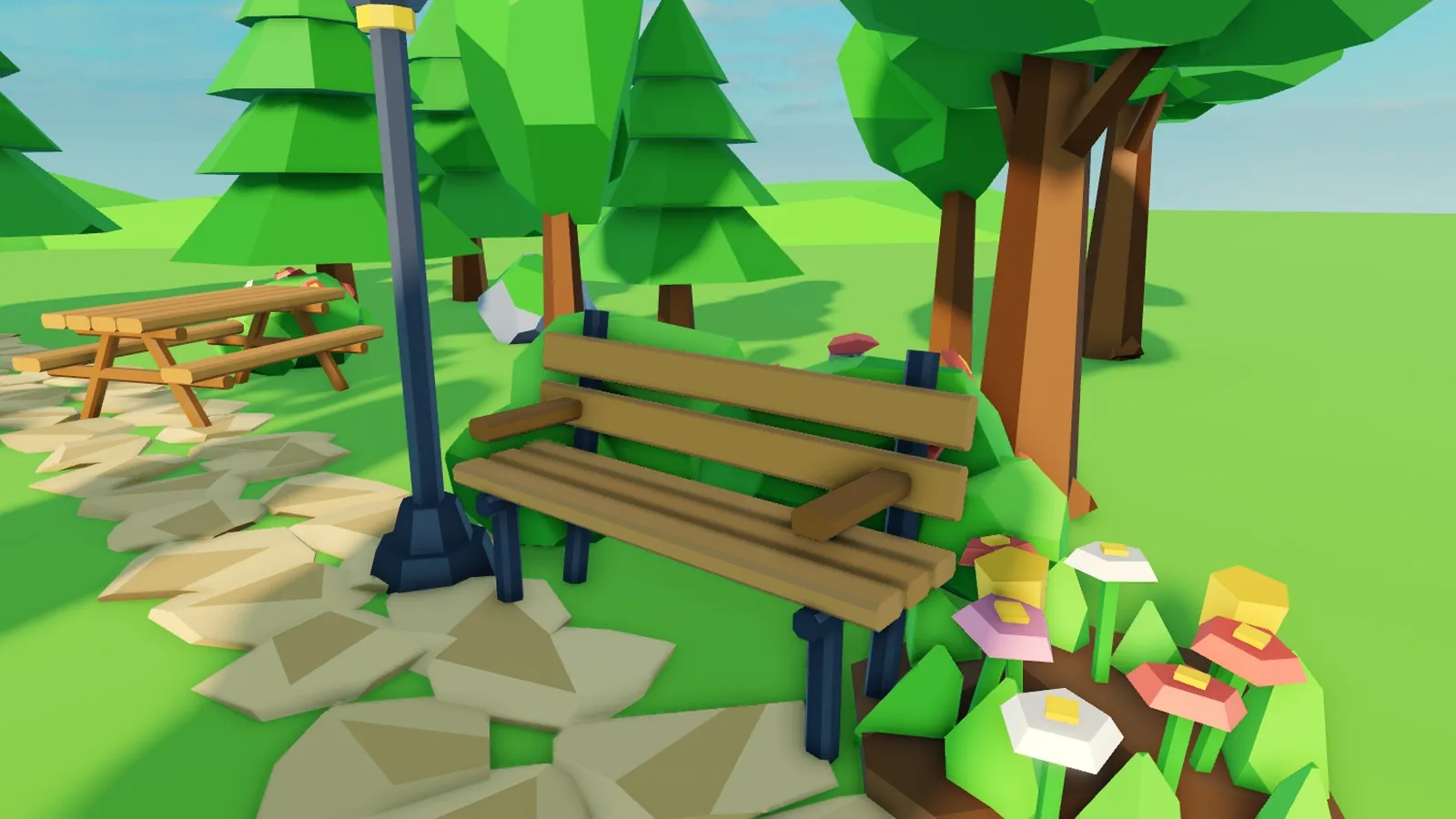
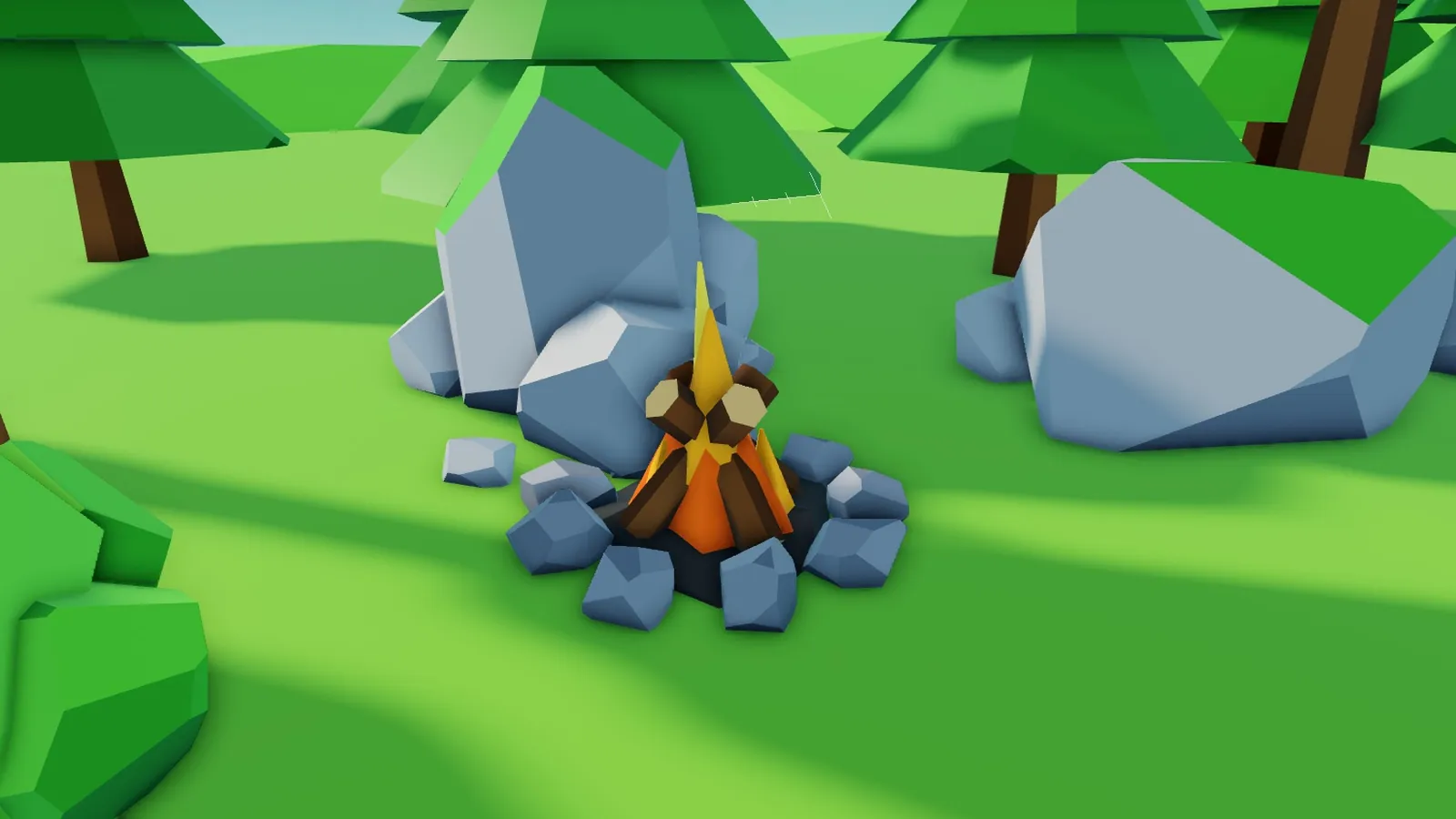
Zedox Low-Poly Park Pack gives you 14 low-poly props for parks, lobbies, hubs and simulators. There are three trees (round, pine and tall poplar), three rocks (small, mossy boulder and a cluster), two bushes (one with flowers), a flower patch, a tileable 8-stud wooden fence, a park bench, an iron lamp post, a picnic table and a campfire with a stone ring and crossed logs.
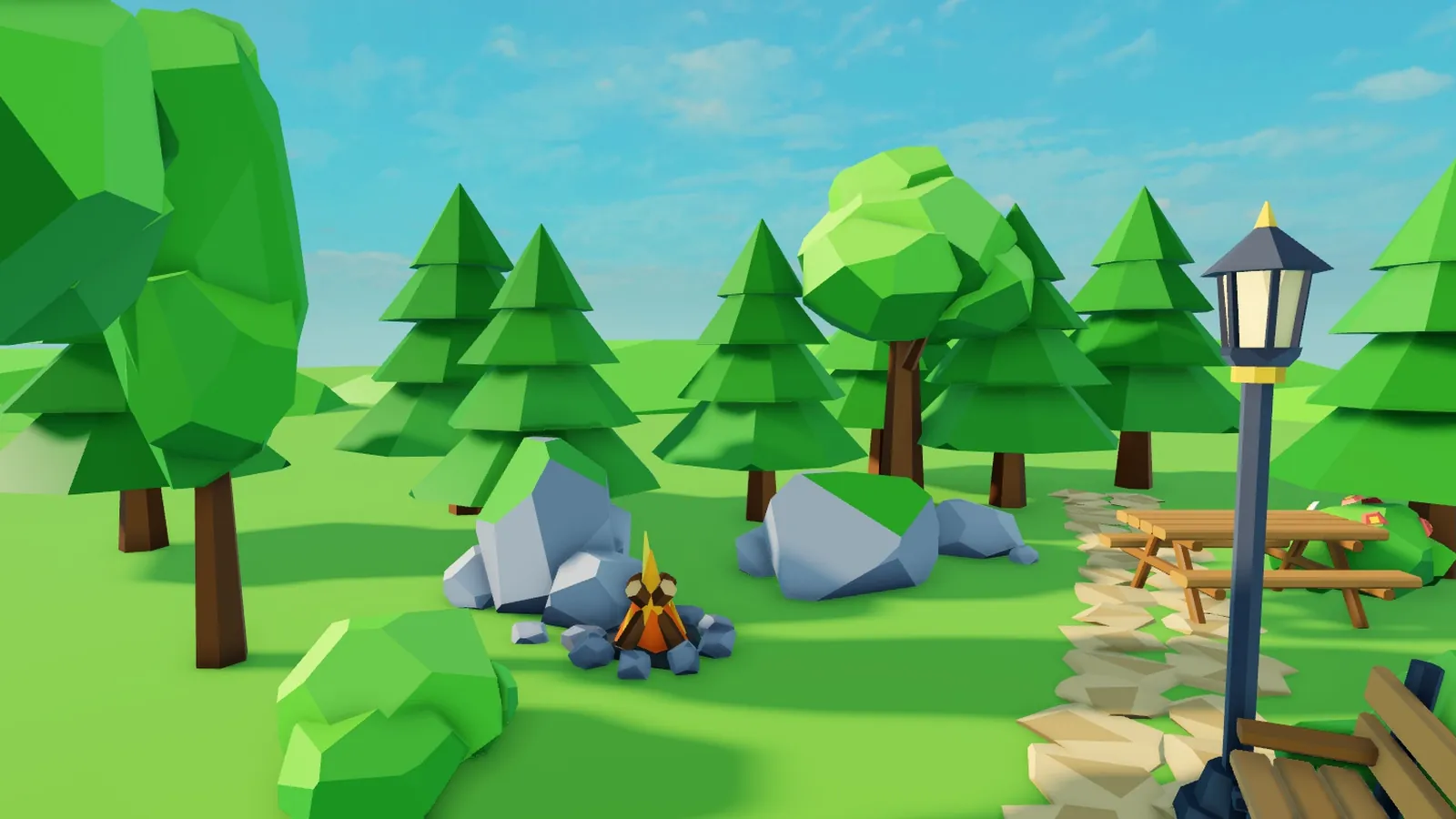
Every prop shares one soft, saturated palette and one level of detail, so they look like a set wherever you place them. The faceted look comes from the shapes themselves and a slightly different colour on every face, not from textures. Everything is made from parts and CSG unions inside the file: no meshes, no uploads, no asset ids and no running scripts. Part counts stay low (2 to about 30 per prop), so they are fine on phones.
Every model is anchored, has a PrimaryPart and a pivot at the centre of its base, so it drops flat onto the ground. Leaves, flowers and flames have collisions off; trunks, rocks and furniture are solid. The lamp post has a PointLight and the campfire has a light and a fire particle emitter (built-in Roblox texture), all off by default so you choose when they glow.
Setup
- Insert the file and put the
ZedoxLowPolyParkPackfolder inReplicatedStorageorServerStorage. - Open the
Propsfolder and drag any model intoWorkspace. - Move and rotate it with the normal tools. It sits on the ground by its base pivot.
- Optional: set
LampPost.Glass.PointLight.Enabled, or the light and particles underCampfire.AshBed.Fire, to true for evening scenes. - Optional: line up
FenceSegmentmodels 8 studs apart for a fence of any length.
What is included
- TreeRound, TreePine, TreePoplar
- RockSmall, RockMedium, RockCluster
- BushRound, BushFlowering, FlowerPatch
FenceSegment(8 studs, tileable)- ParkBench
- LampPost with PointLight (off by default)
- PicnicTable
- Campfire with PointLight and fire particles (off by default)
- README module with the setup guide and a short code example
Marketplace
Browse the marketplaceMore from Zedox Development
 Zedox Development